+65 6396 7554
Believe in yourself! Have faith in your abilities! Without a humble but reasonable confidence in your own powers you cannot be successful or happy. Accept no one's definition.

Believe in yourself! Have faith in your abilities! Without a humble but reasonable confidence in your own powers you cannot be successful or happy. Accept no one's definition.

We basically started the studio with webdesign and development and now we are proud to complete hundreds of website in a decade.

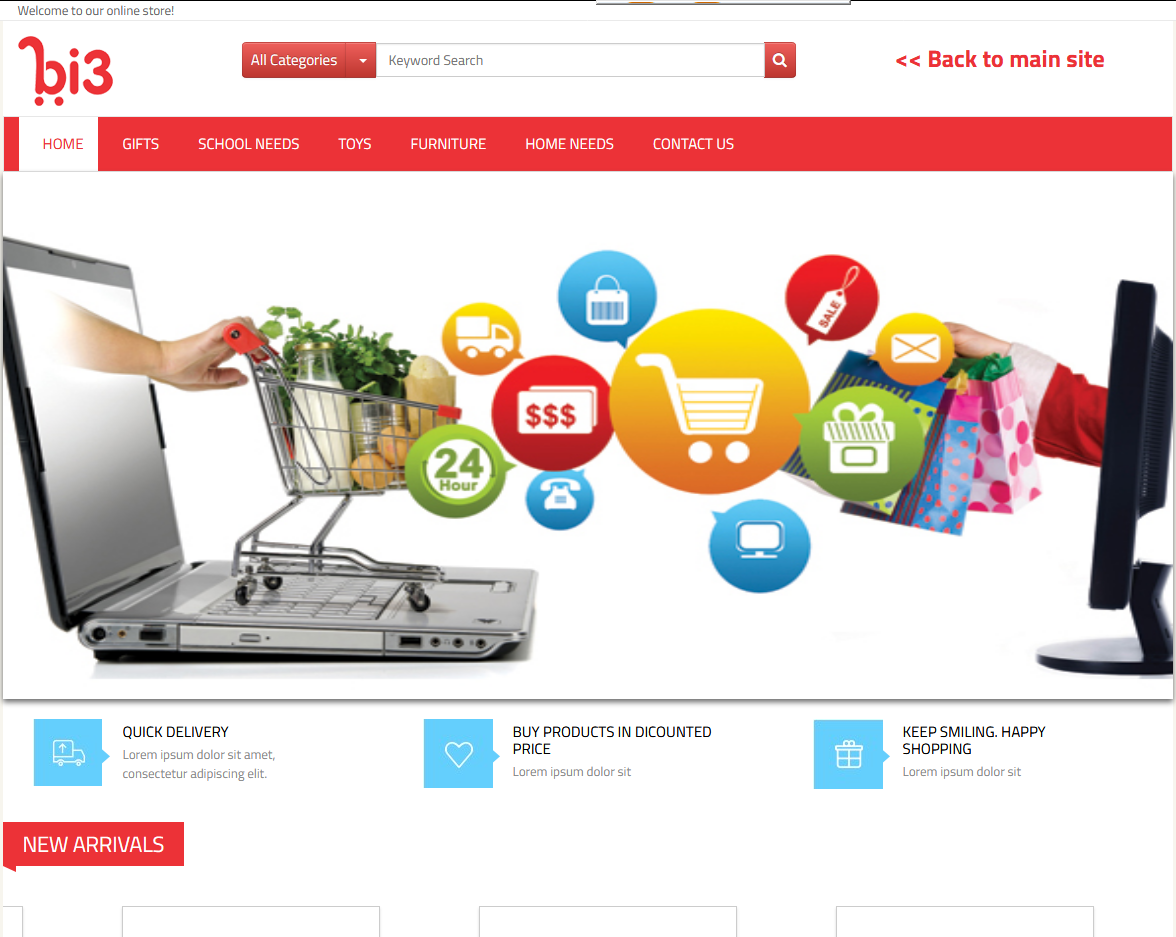
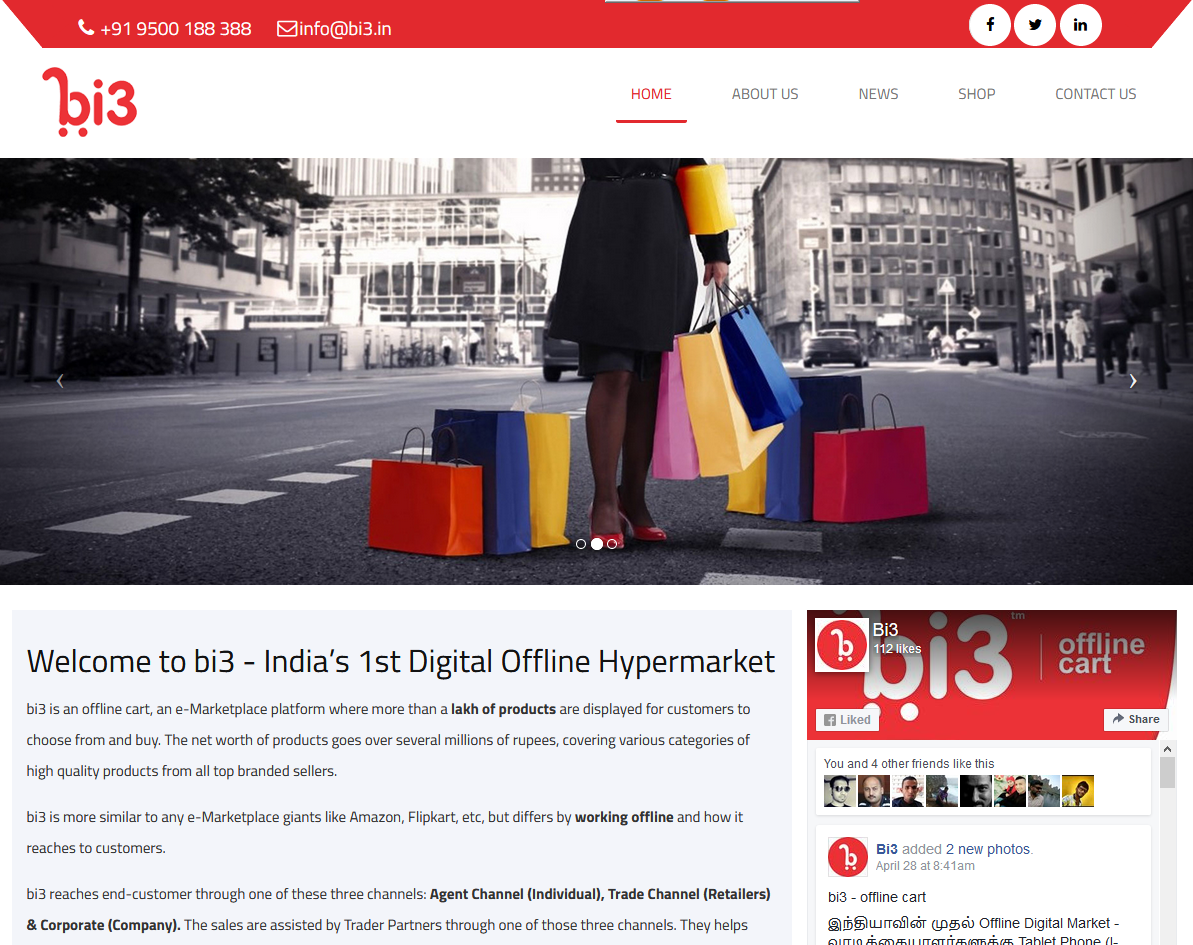
Today it is all about Ecommerce and Online Shopping. We have an extensive experience in building E commerce Applications and develop user centric website.

Digital Marketing is the only technology that takes everything to the hands of customer. If you want to promote your products let us help you.

Mobile Application Development made Smart Phones/Tablets to do anything. We are with current trends developing native app/corss platform app for any devices.

We develop online management system for your business, we have our own Online CRM, Order Mangement System, Man Power Management System, E learning.

We have different hosting packages for clients, all are cloud based. Web Hosting / Email Hosting all can be done according to the requirements.


It's our absolute pleasure to recommend Universal Software Solutions Pte Ltd for providing web design and hosting solutions.
I am personally to congratulate USS and your staff contribution for the professional way of handling to provide the solution to our needs. Your adherence to the working principle and the successful completion of the task will give a strong recommendation on your company to future clients.
Best of luck.
Rajasekaran Rajesh
Director
Advanced Certification ( Singapore) Pte Ltd just launched our completely revamped website and couldn't be any happier with the way the site turned out, and our experience with U Soft. They took our old website with outdated graphics, fonts, etc., and transformed it into a modern and incredibly attractive site. Their team is a perfect mix of left and right brains. When we met them to discuss the project, we were immediately impressed with how easy they are to communicate with—just real, down to earth, believable people that don't talk over your head. They listened and spent ample time understanding our services and message to make sure the site layout was appropriate. They pulled off some very tricky programming feats to get the site to do what we wanted, while not losing sight of the need for superb, modern aesthetics.
On behalf of East Coast Physiotherapy & Sports Injury Clinic Pte Ltd, please accept my appreciation for the excellent job you and your staff have done over the past several months whether its in Software Maintenance or any kind of Systems related issues. It was an enormous undertaking but went smoothly and efficiently!
Thanks to your leadership and dedication combined with your staff's teamwork and energy, we are now enjoying your services.
It’s my gratification to recommend Universal Software Solutions for all professional kind of Web designing and Software Solutions.
Duraimanickam Ramadas
Director
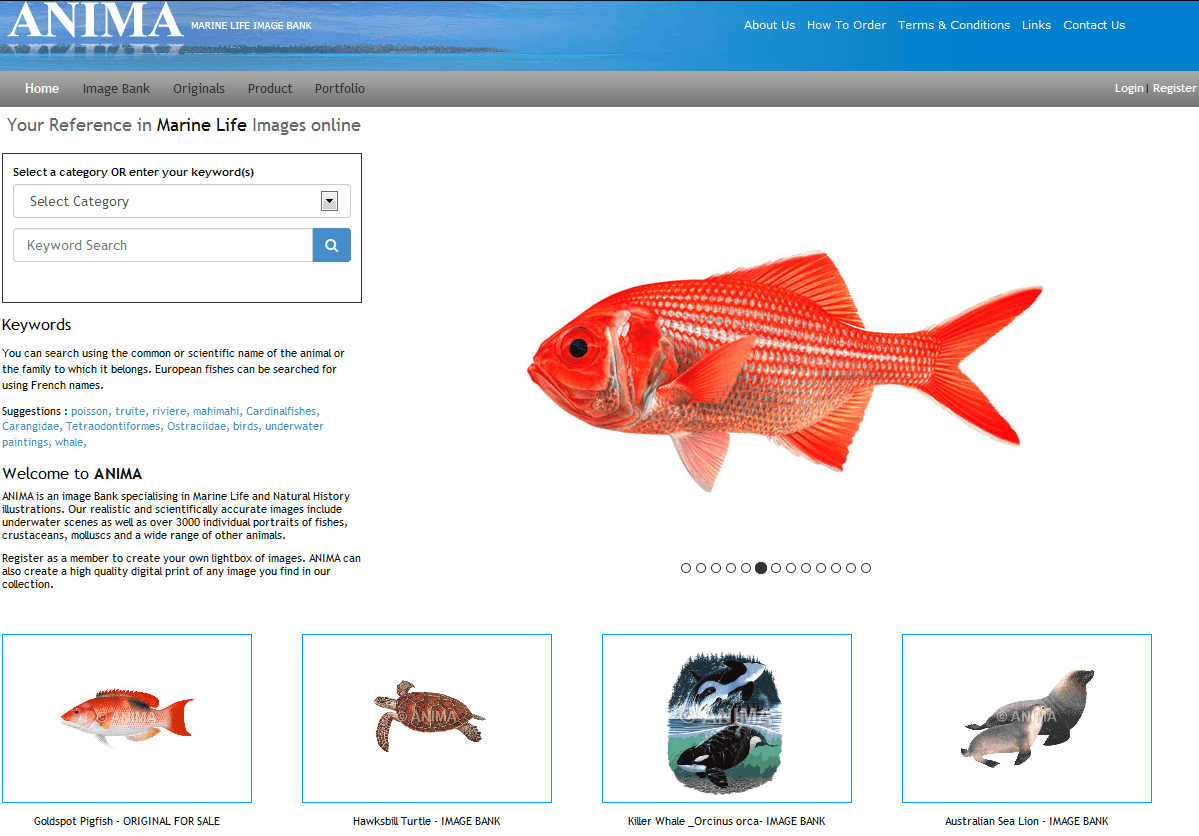
Our work with UsoftSolutions began a long time ago with the building of our web-site. This was quite complex as ANIMA is an Image Bank specialized in marine life illustrations and we needed an easy to use web-site and CMS which allowed our clients to navigate and order images. We are continuing to work together all year round, maintaining and updating the web-site and technically improving it.
What we appreciate most about working with Syed and his team is their ability to deliver the expected results rapidly, their expertise in web-site development, the quality of their responses, their flexibility and desire to deliver the results.
Catherine and Roger Swainston
Directors at ANIMA
The content, features and style are appealing and professionally done in all aspects. The webiste is aesthetically pleasing as well.
And, you have done it and closed the job ahead of the committed timeline, which is very much appreciated.
Thank you for the professional and technical support in developing our website.
We look forward to be working with you again in future, if there is a need for your services.
Raghunathan
Principal Consultant
Ensafeq Solutions
Universal Software Solutions Pte Ltd has done a great job to develop our Institute Management System (IMS) with short span of time. They keep their promises on delivery and support services from them are extremely good.
Best wishes to USS team.
Regards
Habibullah.N (Mr.)
Director
MASS Education
Singapore